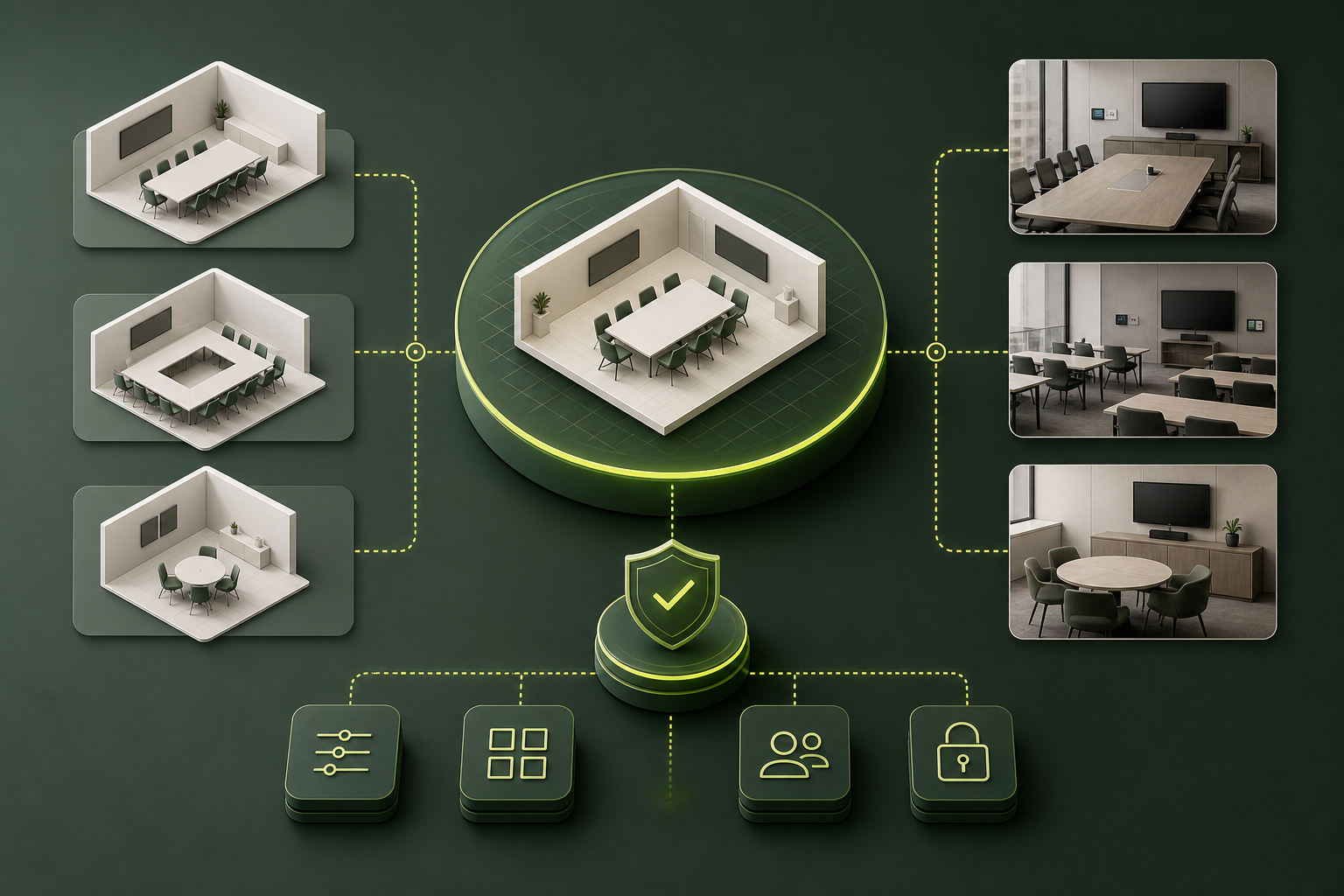
The interesting shift in Microsoft Teams Rooms is not the visual builder itself. It’s that room configuration is moving closer to a governed control plane, where design, standards, and runtime settings are becoming part of the same admin workflow.
Microsoft’s Pro Management portal now treats room design as something IT can model visually for traditional, signature, and flex spaces. At the same time, settings changed on the device sync back to the portal, and Teams admin center configuration profiles can be imported as templates. That combination matters more than any single UI improvement.
My read: this reduces drift, but only if organizations use it as a standardization layer, not as another place to improvise per room.
A practical way to think about it: - Use the builder to define approved room patterns, not one-off exceptions. - Treat the portal as the source of operational truth for room settings, because device changes can round-trip back. - Import existing TAC profiles deliberately, then rationalize duplicates and edge cases. - Remember that app updates already flow through the Pro Management Portal or manual processes, so this is becoming the center of room lifecycle control.
That points to the real tradeoff: more visual tooling can speed rollout, but only disciplined governance keeps support costs, misconfiguration, and support variability under control.
The best outcome is not prettier room setup. It is fewer states to support.