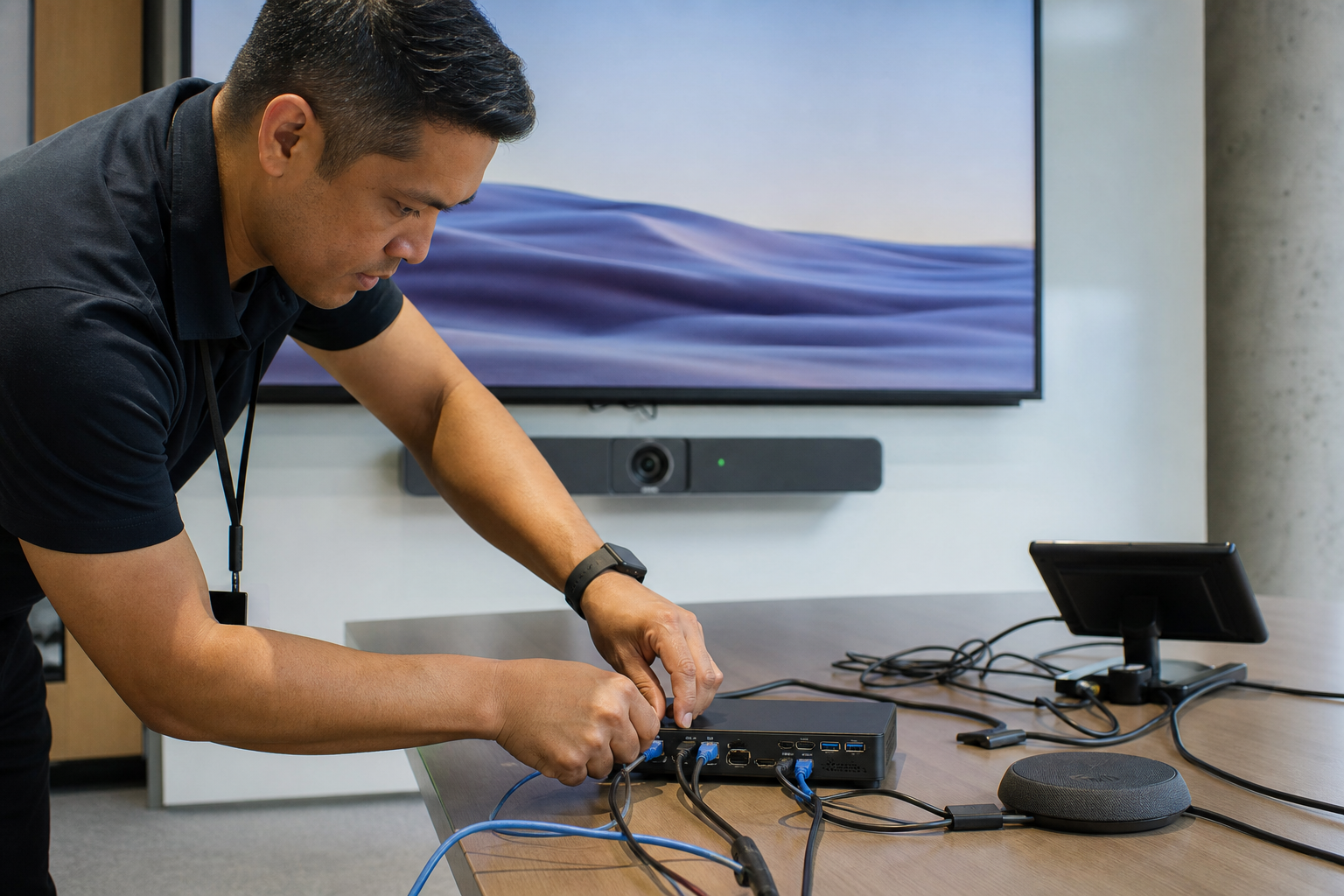
The operational risk here is not that Android Teams devices are moving. It is that teams can keep treating them as if they still live in separate admin worlds.
Microsoft is moving management of Android-based Teams Rooms, Teams phones, Teams panels, and SIP devices from Teams Admin Center into the Teams Rooms Pro Management Portal. Update management is part of that transition, and Microsoft still shows both paths during the move. That means the temporary state is real: some devices and workflows remain in the old portal while the new one becomes the preferred control point.
The useful way to read this is as a control-plane consolidation. If your room, phone, or panel policy depends on one portal for inventory and another for updates, you now have a split-brain operational model. Nothing is necessarily broken, but troubleshooting gets slower, ownership gets fuzzier, and it becomes easier for a device to look managed while its lifecycle settings live somewhere else.
A concrete example: if an Android Teams Room is enrolled, but update policy is reviewed in one portal and support status in another, the first symptom may be drift rather than outage. The device still signs in, but the support path is no longer obvious.
The decision rule I would use is simple: if a device class is already in the migration window, design your process as if Pro Management Portal is the destination system of record. Keep checking the transition guidance, but stop building new habits around the old split unless you have a documented reason.
That is how you reduce avoidable interpretation work later.