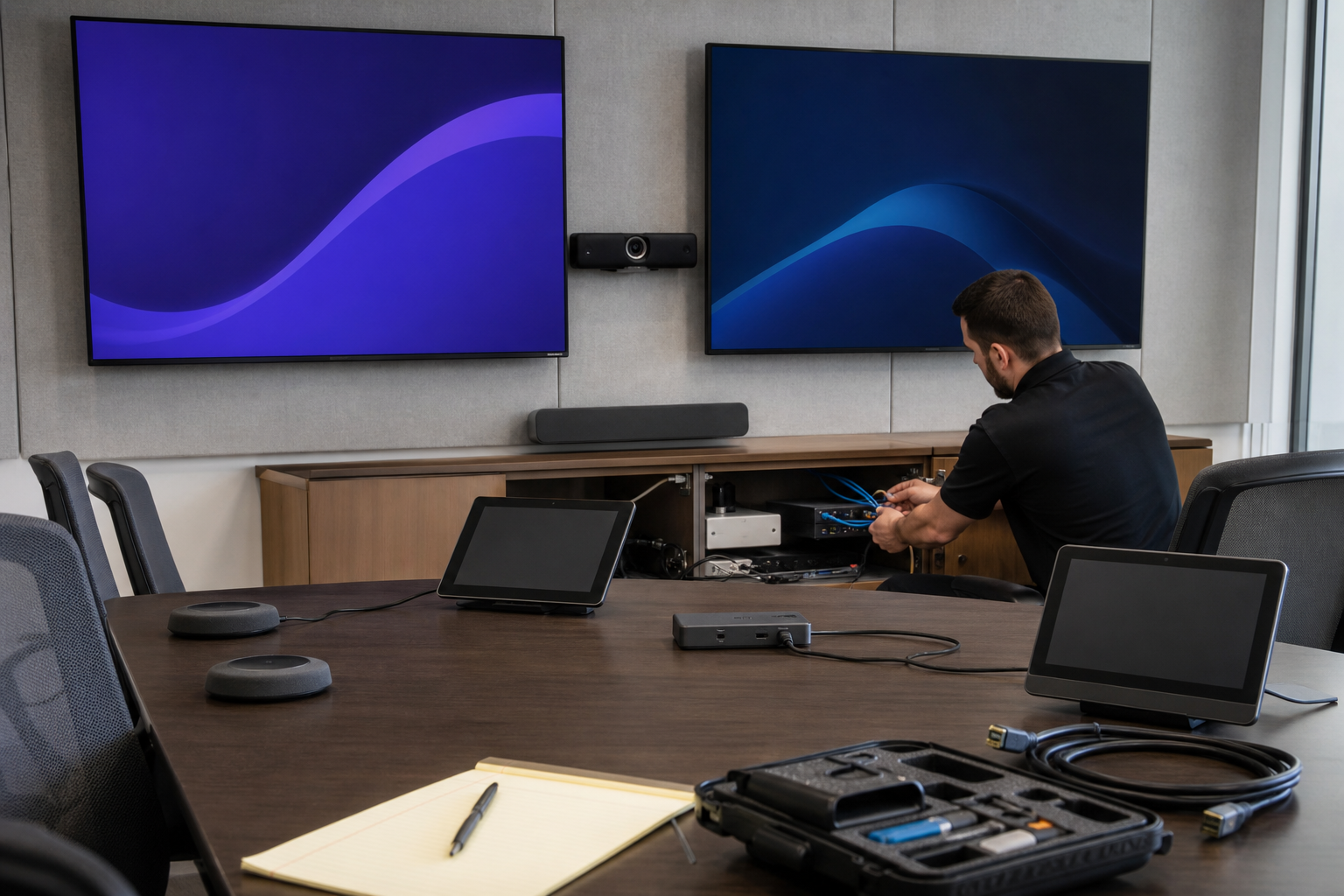
A Teams Rooms deployment can be current on one clock and already out of date on another.
Microsoft now maintains separate update tracks for the room app and the Teams web client, and the release notes already show lifecycle changes such as Windows 25H2 support, ad-hoc room reservation, and Together mode deprecation. That means “the room works” is no longer a sufficient operational statement. It may only mean the endpoint is running, not that it is aligned with the version path the business expects.
The cleaner way to think about it is this: every room has a software clock and a room-clock. The software clock covers app versions, Windows support, Intune management, Store access, and security updates. The room-clock covers the physical system: layout, power, networking, furniture, installation, and the resource account tied to that specific room.
If either clock drifts, operations feel it quickly. A room can look fine in a calendar view and still become harder to support if the account is wrong, the network blocks required services, or the device falls behind the supported path. That is especially true with Teams Rooms Basic, which is limited to one certified system per room and capped at 25 licenses per organization. Pro adds broader management, but it does not remove the need to design the room correctly.
For planning, I would use one decision rule: if you cannot name the room owner, the update path, and the recovery path, you do not yet have a managed room.