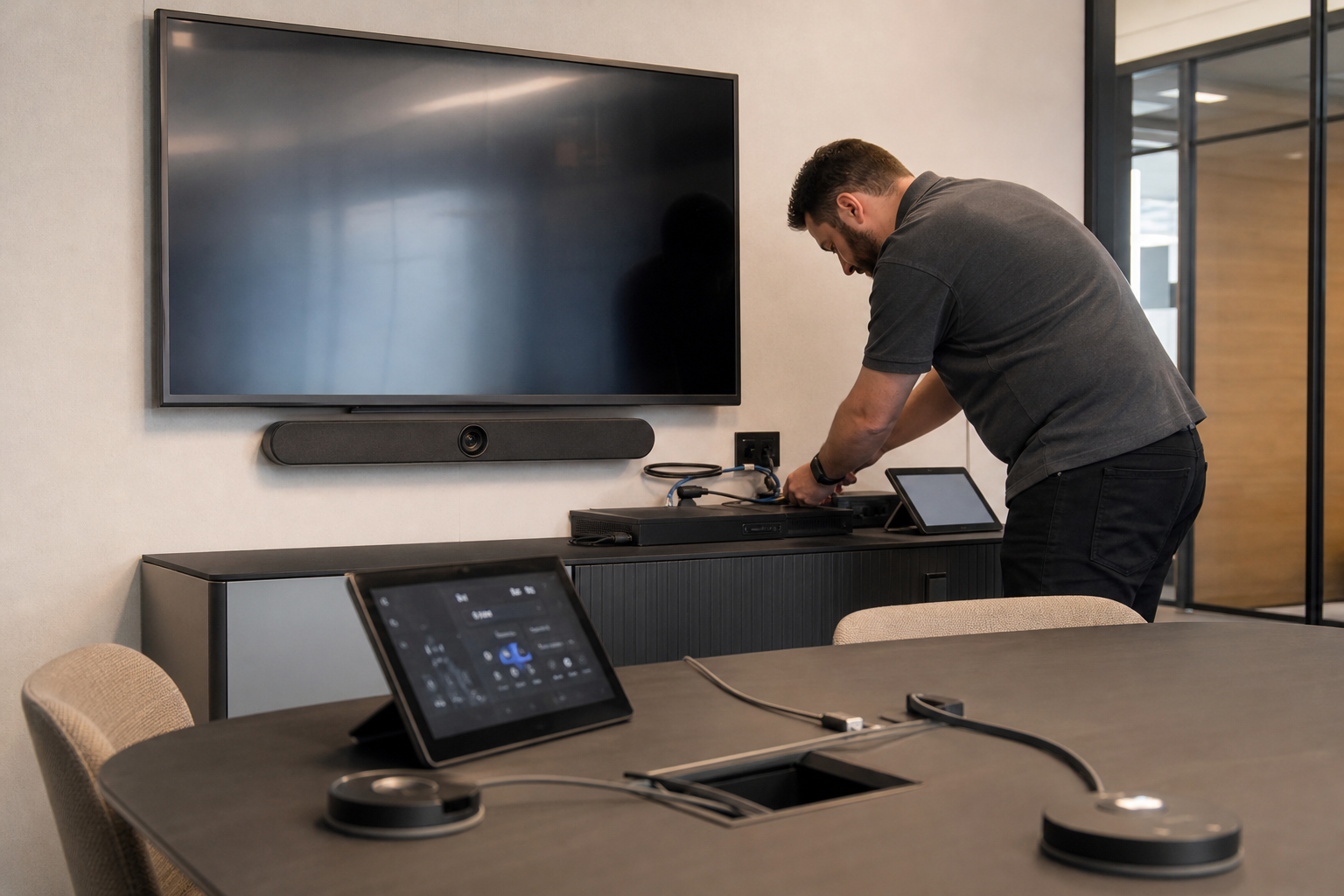
A multilingual meeting can now fail in a new way: the room may support interpretation, but the people using it may still assume the room behaves like a normal Teams Room.
Microsoft now says Teams Rooms on Android support the Interpreter agent during meetings, and the release notes add a usage limit of 20 hours of interpretation per room account each month with a Teams Rooms Pro license. Microsoft also notes that Interpreter is meant for real-time speech-to-speech translation in Teams meetings and calls, while personal-device use in Teams Rooms is not currently supported.
That combination creates a simple planning rule: treat Interpreter as a room capability with a quota, not as a generic meeting feature. If a site runs recurring bilingual reviews, that 20-hour ceiling becomes an operations question, not just a licensing detail. If the room team does not know which account owns the room or how often interpretation is actually used, the first sign of trouble will be in the meeting, not in the admin console.
The practical test is to ask one question before rollout: which meetings genuinely need live interpretation, and which only need captions or a human interpreter? Captions may be enough for many sessions. Where speech-to-speech translation is required, the room design should include Pro licensing, account ownership, and a support path that knows the feature exists.
The lesson is straightforward: multilingual meeting support now depends on both room UX and the operating model around it. If the room is expected to carry language translation, the license, the account, and the user expectation all need to line up before the meeting starts.